Unified tagging including in subscriptions, Revamped help center, Easier automation setup, Smarter chat
Tags work consistently everywhere — including subscriptions
Tags on integration subscriptions used to behave differently from tags in the rest of NEXT. That inconsistency is gone. Subscriptions now use the same tagging system as everything else, and you can assign tags in bulk directly from the subscription table — no more updating them one by one. If you had existing subscriptions, they’ve already been migrated. Nothing to do on your end.
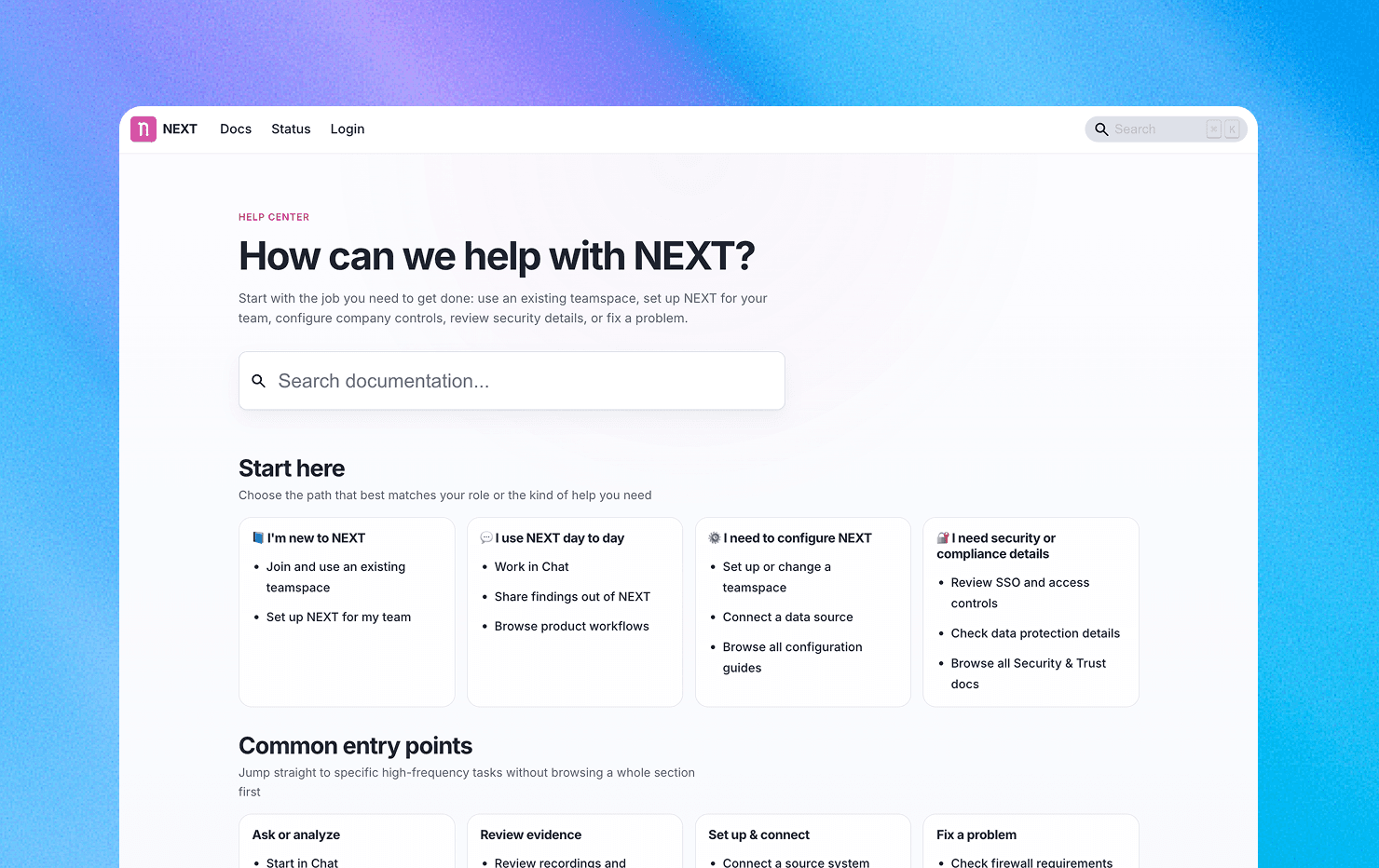
Revamped help center
Finding answers just got a lot easier. Our help center now covers the full product — every Settings page, every integration provider — with clear explanations and short videos showing how things work in practice. We’ve added landing pages to help you navigate, and revamped the onboarding docs so new team members have a clear starting point. Guides now stay current as the product evolves, so you’re never following outdated instructions. Next up: improving the “Getting Started” experience to help new users reach value faster.
Smoother automation building
Three improvements that make building automations faster and less error-prone:
Easier step linking. Connecting triggers and actions on the canvas used to require precise clicking on small, hard-to-spot anchors. The connection points are now larger and more visible, so wiring up your flow takes fewer attempts.
Clearer multi-recipient setup. The email recipient field used to look like a plain text box, making it unclear how to add more than one address. It’s now a chip-based input that validates each address as you type — so it’s obvious you can add multiple recipients, and typos get caught before you save.
Focused step editing. Configuring a step no longer happens inline on the canvas. Settings now open in a dedicated modal with clear Save/Cancel and built-in validation, giving you a cleaner editing experience and fewer accidental misconfigurations.
Chat answers now match your 'live' filters
If you asked chat to “Focus on January” and then removed the date filter, responses still claimed to be scoped to January — even though they weren’t. That mismatch could lead to misleading conclusions. Chat now stays aware of your live filters at all times, so when you change or remove a filter, the answers reflect what’s actually in scope.