Task-aware evidence selection, AI decision steps that gate automation actions, and Medallia data in your workspace
Agents pick the right data/evidence for the job
Step-specific focus narrowing
We released automatic focus narrowing for automation steps. A new checkbox in the step setup tells the agent to select the data it works with based on the current input rather than a fixed time window — so a ticket about onboarding pulls in onboarding-related evidence, not a random sample of your data. Off by default; turn it on when the step benefits from precision over breadth.
Smarter vector search defaults
Vector search now only kicks in when it measurably improves on your existing filters. When tags and dates already capture the intent — like country tags on a "top pain points in France and the Netherlands" request — the extra semantic search is skipped. Generic terms like "customer" are ignored, and sentiment phrases like "wow moments of delight" map to the right feedback category instead of being treated as a literal search.
Follow-ups that preserve your context
Follow-up tasks now inherit the active time frame, filters, and dataset by default instead of recalculating scope from scratch. A follow-up like "Which collections were mentioned?" stays within the original window and dataset until you explicitly change it ("switch to April," "include all projects").
Agents know when to act — and when not to
AI decision steps can skip actions when there's nothing meaningful to add
We added an AI decision step you can place between any two automation steps to evaluate whether the output is worth acting on. In backlog enrichment, for example, this means a comment only posts to your GitHub discussions, Jira tickets, or Linear issues when the agent actually found relevant customer evidence — no more empty updates cluttering threads.
The Task Planner only promises what it will actually do
We fixed a mismatch where the task planner described steps — like narrowing the data scope or running a context search — that were turned off and never executed. The plan now reflects your configuration: what you read is what the agent will do.
No more duplicate or looping plan steps
The task planner now detects and collapses duplicate steps. Rewrite-style requests produce a single step instead of stacking the same instruction multiple times, and re-running the planner won't re-add work that's already there.
Medallia integration
Medallia survey responses now import directly into your workspace
We added a Medallia integration so you can bring in NPS scores, post-interaction surveys, and journey-stage feedback alongside your existing support tickets, reviews, and call transcripts. Agents can draw on survey sentiment and support conversations in the same pass. For teams already using Medallia, experience data becomes an integral part of how you drive CX, marketing, and product performance — not a separate reporting layer.
Platform & experience
Descriptions and prompt previews on automation step cards
You can now add a short description to each automation step, displayed under its name. "Create task" steps show a prompt preview (up to ~200 characters) and the focus target — an account name or segment — so the intent is visible at a glance without opening the step.
Running and paused states now visible in the task list
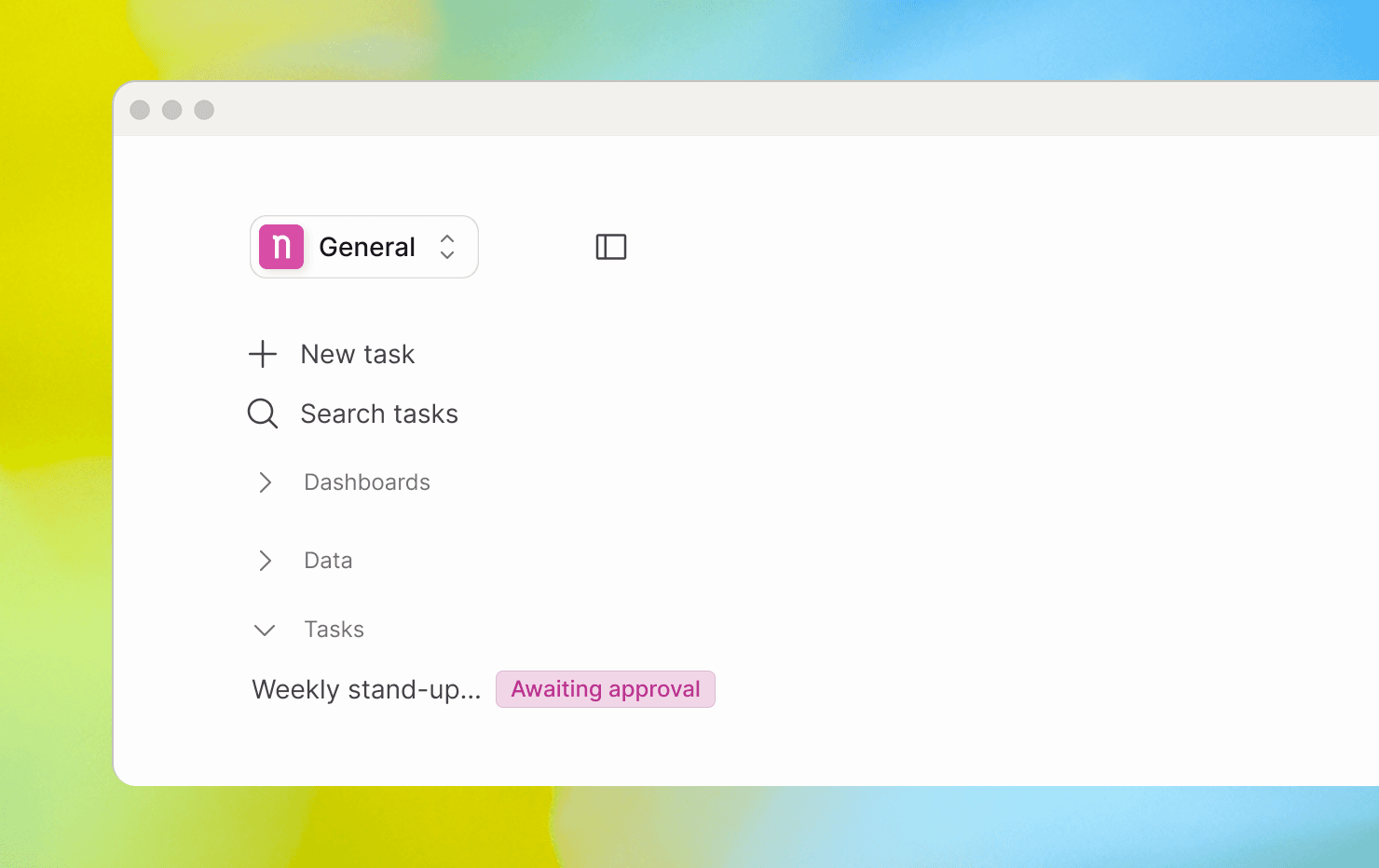
We added real-time status indicators to the task list. A spinner appears while an agent is running; an "Awaiting approval" pill shows when a step needs your confirmation. Both update live — no refresh needed.
Library pages load without resetting the sidebar
The library navigation frame now stays in place while only the page content reloads. Switching between Home, Highlights, Data and Tasks is noticeably faster with no more sidebar resets between pages.