HubSpot email agent, Workflow pause and resume, Resilient long-lived workflows, Google Docs in workflows, Real-time task progress, Smarter date ranges, Prefilled tasks via URL
Enhanced HubSpot-native agent: email import
The HubSpot-native agent now imports emails alongside notes. Select Emails in the Type dropdown during setup and emails start syncing into your customer memory — subject line, message body, and original timestamps intact. You can filter emails with the same rules you use for notes, including direction (inbound or outbound) and deal stage. If your teams are having meaningful conversations over email that never made it into the intelligence layer, that blind spot is now closed.
Workflows can pause and resume
You can now pause any workflow without losing your configuration. Hit pause from the workflow list or the detail page header, and execution stops cleanly. Resume when you're ready — same setup, same state. Previously, testing or troubleshooting a workflow meant deleting and rebuilding it. Now you can stop, investigate, adjust, and restart without any rework.
Resilient long-lived workflows
Workflows can now run reliably across hours or days. When a workflow hits an execution limit — an LLM rate limit, a timeout, or any transient failure — it pauses at the last completed step and picks up from there once the issue clears. No full restart, no lost progress. This makes large-scale processes practical: backlog enrichment across thousands of tickets, multi-step approval chains, or any workflow where the work simply takes time.
Workflows can pull Google Docs as context
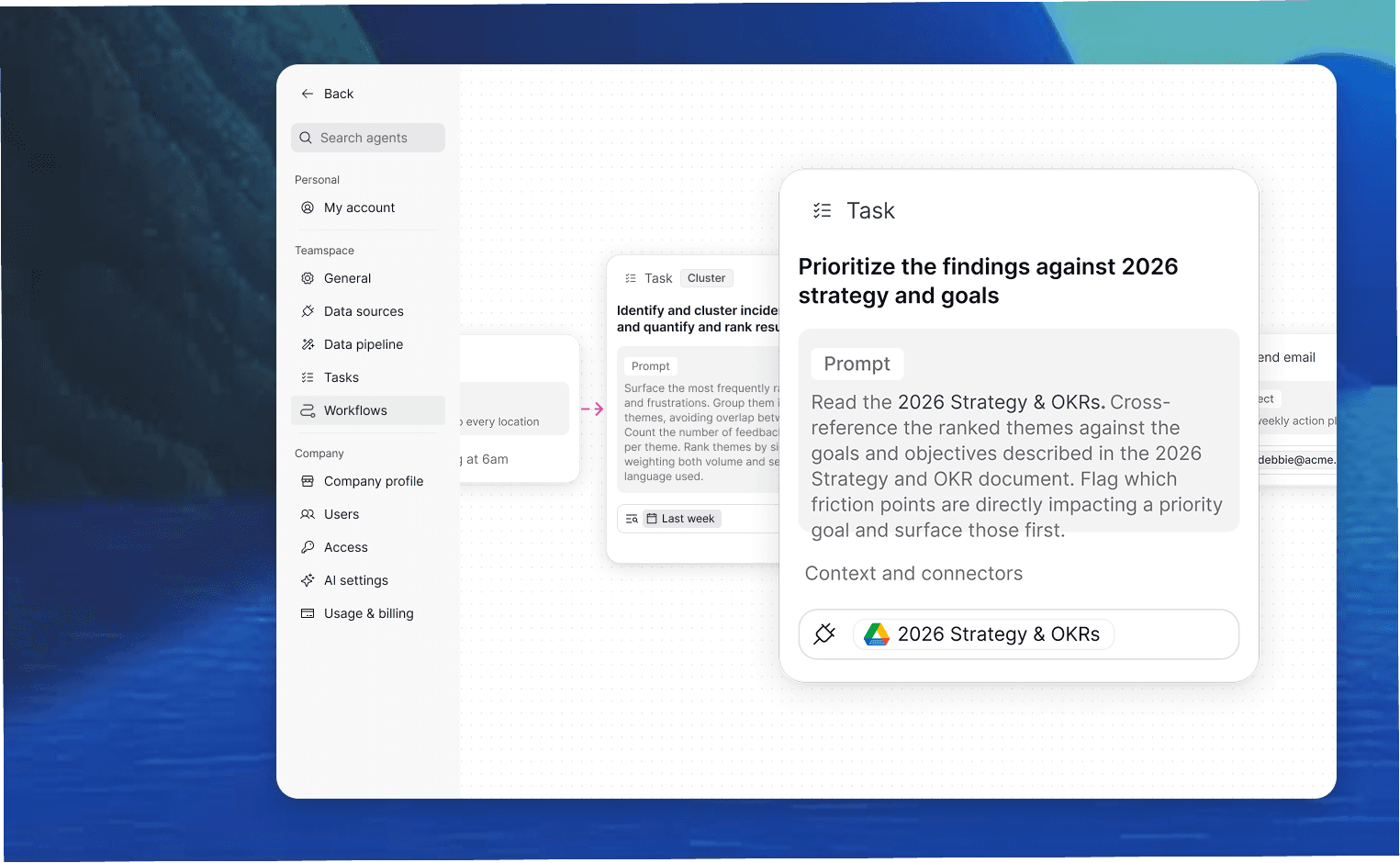
Workflows can now fetch content from Google Docs on demand and pass it as clean Markdown into downstream steps. You can pull an entire doc or target a specific section by its heading — structure like headings, lists, links, and tables comes through intact. Organizational context that lives in Google Docs can now feed directly into workflow logic without manual copy-paste.
Real-time task progress
Long-running tasks now show what's happening as they work. Instead of a static spinner, you see each step as it completes — retrieval, generation, enrichment, storage — with a percentage when available. If something fails, the progress indicator switches to a clear error state showing the last step and what went wrong. You know where things stand at every moment.
Smarter natural-language date ranges
Date filters now handle natural language the way you'd expect. Typing "last 500 days" returns highlights from 500 days ago through today — not a single day 500 days in the past, which is what used to happen. Specific references like "yesterday" or "last Monday" still match that single day. Plain English, correct results, no special syntax needed.
Prefilled tasks via URL
You can now deep-link into NEXT with a pre-loaded task prompt. Add ?prompt=Your text here to any NEXT URL and the task input opens with that text ready to go — the user can review and edit before running. This is especially useful for orchestrators building workflows.